


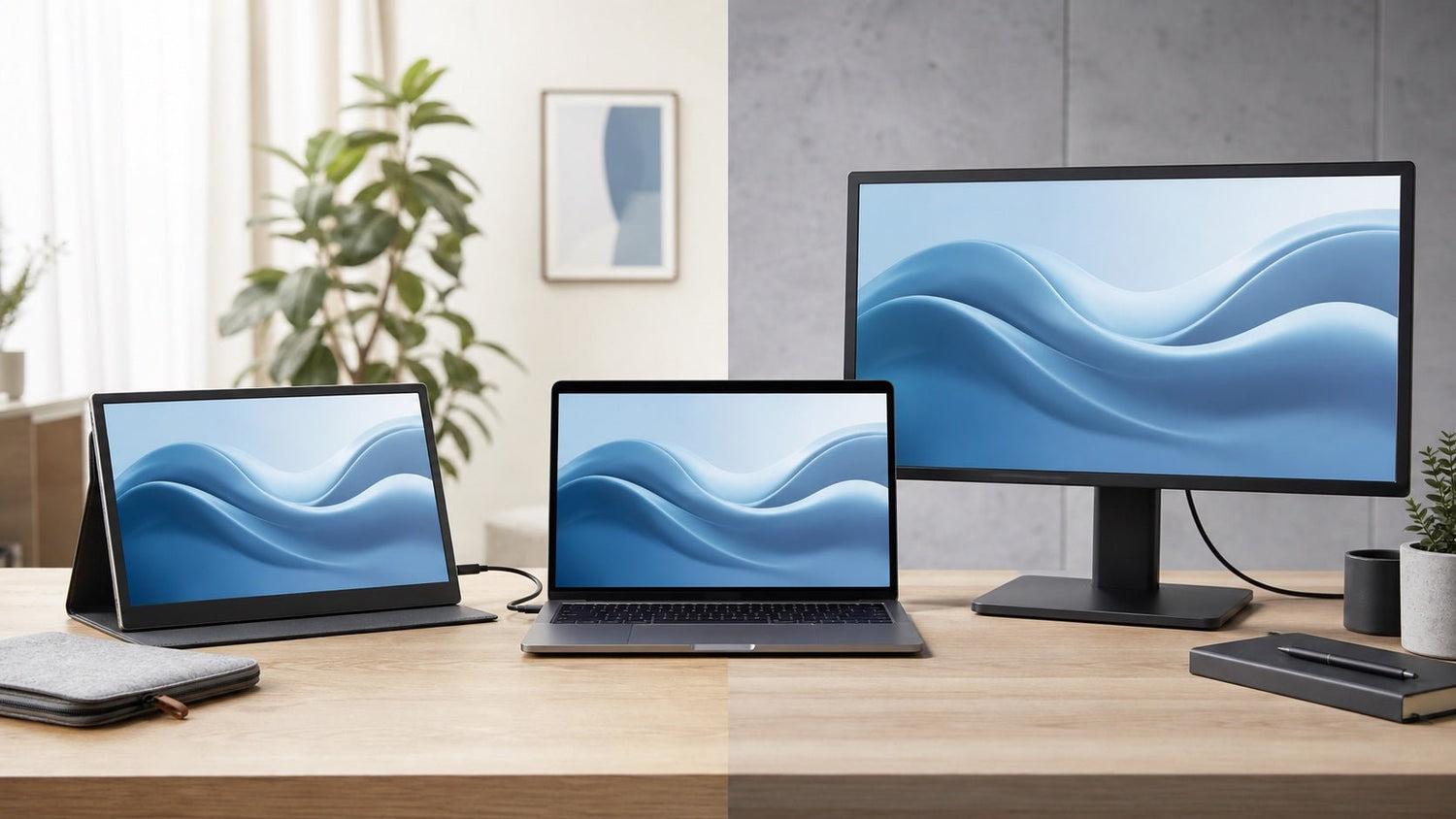
If you constantly switch between tabs, resize windows, or lose focus while working on a laptop, the problem may not be your workflow. It may be your screen space.
A second display can make everyday work feel more organized, especially when you need to compare documents, join video calls, manage spreadsheets, write notes, or keep multiple apps open at once. But when choosing an external screen, many users face the same question: portable second screen vs desktop monitor — which setup is better?
The answer depends on how and where you work.
A desktop monitor is usually better for a fixed workstation where comfort, screen size, and long work sessions matter most. A portable second screen is better for flexible work, travel, small desks, and laptop users who move between different locations.
This guide compares both options across productivity, portability, comfort, desk space, travel use, and overall value so you can choose the setup that fits your daily routine.
Quick Answer: Which One Should You Choose?
Choose a portable second screen if you:
- Work from different places
- Travel often
- Use a laptop as your main device
- Have limited desk space
- Want a dual-screen setup you can pack away
- Need extra workspace for remote work, study, or business trips
Choose a desktop monitor if you:
- Work mostly from one desk
- Want a larger display
- Spend long hours at your workstation
- Need better ergonomic adjustment
- Work with design tools, code, spreadsheets, or detailed documents
- Prefer a permanent home office setup
For many hybrid workers, the best setup may be both: a desktop monitor at home and a portable second screen for travel, meetings, or flexible workdays.
What Is a Portable Second Screen?
A portable second screen is a slim external display designed to connect to a laptop, tablet, or compatible device. It gives you more workspace without requiring a permanent desk setup.
Most portable screens are lightweight and easy to carry in a backpack or laptop bag. Many connect through USB-C, while some also support HDMI or other display connections. This makes them useful for people who want a dual-screen setup outside a traditional office.
A portable second screen is useful for:
- Working from cafes, hotels, airports, or coworking spaces
- Reviewing documents while writing
- Taking notes during online classes or meetings
- Comparing browser tabs, dashboards, or reports
- Extending a laptop screen on a small desk
- Creating a more flexible mobile workstation
The main benefit is flexibility. You can expand your workspace when you need it, then pack everything away when you are done.
What Is a Desktop Monitor?
A desktop monitor is a larger external display designed for a fixed desk setup. It is commonly used in home offices, corporate workstations, creative studios, gaming setups, and productivity-focused desks.
Desktop monitors usually offer larger screen sizes than portable displays. They may also provide higher resolutions, stronger stands, better viewing comfort, and more ergonomic adjustment.
A desktop monitor is useful for:
- Working from the same desk every day
- Coding, designing, editing, or analyzing data
- Managing large spreadsheets or dashboards
- Building a more ergonomic home office
- Viewing multiple windows on a larger screen
- Creating a permanent productivity setup
The main benefit is comfort. If you have enough desk space and work mostly in one location, a desktop monitor can make long sessions easier and more efficient.
Portable Second Screen vs Desktop Monitor: Key Differences
Both options can improve productivity, but they are designed for different work styles.
| Category | Portable Second Screen | Desktop Monitor |
|---|---|---|
| Best Work Style | Hybrid, remote, mobile, travel-friendly | Fixed desk, home office, long sessions |
| Portability | Easy to carry between locations | Designed to stay in one place |
| Screen Size | Usually smaller and lighter | Usually larger and more immersive |
| Desk Space | Good for compact desks and shared spaces | Needs more desk depth and surface area |
| Setup Time | Quick laptop-based setup | More permanent setup |
| Storage | Easy to pack away when not in use | Usually stays on the desk |
| Ergonomics | Good with a stand or raised position | Better with adjustable stand or monitor arm |
| Cable Setup | Often simple with USB-C | May require power, display, and desk cables |
| Travel Use | Strong choice for mobile work | Not practical for regular travel |
| Best For | Travelers, students, hybrid workers, laptop users | Developers, designers, analysts, home office users |
The biggest difference is not just screen size. It is how each display fits into your routine.
A portable second screen gives you extra workspace wherever your laptop goes. A desktop monitor gives you a larger and more comfortable setup when you work from one place.
When a Portable Second Screen Is Better
A portable second screen is the better choice when your work is not tied to one desk.
If you move between home, office, classrooms, meeting rooms, hotels, or coworking spaces, portability matters more than maximum screen size. Instead of rebuilding your setup in every location, you can carry a second display with your laptop and work more consistently wherever you are.
For example, a remote worker can keep a video call on one screen and notes on another. A business traveler can review a presentation while editing talking points. A student can watch an online lecture while writing notes side by side. A hybrid worker can use the same extra screen at home, in the office, or on the road.
A portable second screen is ideal if you:
- Work from different places during the week
- Travel often for business or study
- Use a laptop as your main computer
- Need more screen space but have a small desk
- Want a temporary setup that does not add clutter
- Need extra workspace for documents, calls, research, or notes
The trade-off is that portable screens are usually smaller than desktop monitors. They may also need careful positioning to feel comfortable during long work sessions.
Still, for flexible productivity, a portable second screen is one of the most practical upgrades for laptop users.
When a Desktop Monitor Is Better
A desktop monitor is the better choice when you work mostly from a fixed location.
If you have a dedicated desk, home office, or studio, a larger monitor can make your setup more comfortable and efficient. A bigger screen gives you more room for full-size windows, detailed documents, timelines, dashboards, and creative tools.
For long work sessions, positioning also matters. A desktop monitor can usually be raised, tilted, or mounted more easily than a portable screen. This helps you create a more ergonomic viewing angle and reduce the need to look down at a laptop screen all day.
A desktop monitor is ideal if you:
- Work from the same desk most of the time
- Spend long hours at your workstation
- Need a larger display for detailed tasks
- Work with large spreadsheets, code, or design tools
- Want better adjustment and viewing comfort
- Prefer a permanent and stable desk setup
The trade-off is that desktop monitors are not mobile. They also take up more desk space and usually require more cable management.
For a stable home office, however, a desktop monitor remains one of the most comfortable productivity upgrades.
Productivity: Which Setup Helps You Work Better?
Both a portable second screen and a desktop monitor can improve productivity because they reduce the need to constantly switch between windows.
With more screen space, you can keep your main task on one display and supporting information on the other. This makes everyday work feel smoother and less interrupted.
For example:
- Writers can keep research on one screen and a draft on another.
- Developers can view code and documentation side by side.
- Students can watch a class while taking notes.
- Project managers can keep a calendar or task board open while working.
- Analysts can compare spreadsheets, charts, and reports more easily.
The difference is where that productivity happens.
A desktop monitor supports deep focus at a fixed workstation. A portable second screen supports flexible productivity wherever you work.
So the better choice depends on your routine. If you sit at one desk most days, the desktop monitor may feel more comfortable. If you move often, the portable second screen may deliver more value.
Which Setup Is Better for Small Desks?
For small desks, a portable second screen often has the advantage.
A desktop monitor usually needs a stand, power cable, display cable, and enough viewing distance to feel comfortable. In a compact apartment, dorm room, shared workspace, or temporary setup, that can make the desk feel crowded.
A portable second screen is easier to place beside a laptop and easier to store when not in use. This makes it a practical option for people who want more workspace without permanently changing their desk.
A portable second screen is especially useful for:
- Dorm desks
- Small home offices
- Shared work tables
- Minimalist desk setups
- Temporary workstations
- Kitchen table or dining table work setups
That said, a desktop monitor can still work on a small desk if you use a compact stand or monitor arm. The key question is whether you want a permanent display or a screen that can disappear when your workday ends.
For flexible and clutter-free setups, a portable second screen is often the simpler choice.
Which Setup Is Better for Travel?
For travel, the answer is clear: a portable second screen is better.
A desktop monitor is not designed to move between locations. Even a compact desktop monitor is too bulky for regular travel. A portable second screen, on the other hand, is built to fit into a mobile laptop setup.
This makes it useful for:
- Business trips
- Hotel workstations
- Coworking spaces
- Client visits
- Conferences
- Study sessions away from home
- Remote work while traveling
If your laptop is your main device and you want a more consistent dual-screen experience outside your home office, a portable second screen is the more practical option.
Which Setup Is Better for Long Work Sessions?
For long work sessions, a desktop monitor usually has the edge.
A larger display can reduce visual crowding and make it easier to view multiple windows comfortably. Desktop monitors are also easier to position at eye level, especially with an adjustable stand or monitor arm.
This can be helpful if you spend hours on tasks such as:
- Coding
- Design work
- Video editing
- Data analysis
- Writing and research
- Document review
- Financial modeling
A portable second screen can still work well for longer sessions, but setup matters. For better comfort, place it close to your laptop, raise it to a better viewing height, and angle it to reduce neck movement.
For occasional long workdays, a portable second screen may be enough. For daily full-time desk work, a desktop monitor is usually more comfortable.
What to Consider Before Choosing
Before deciding between a portable second screen and a desktop monitor, think about how the display will fit into your real workflow.
1. Where You Work Most Often
If you work mainly from one desk, a desktop monitor may offer better comfort. If you work from different locations, a portable second screen is more flexible.
2. How Much Desk Space You Have
A desktop monitor needs more room and usually stays in place. A portable second screen works better when you need a setup that can be moved, folded, or stored.
3. How Often You Travel
If you travel regularly, portability becomes more important than screen size. A lightweight second screen is much easier to carry than a desktop monitor.
4. What Type of Work You Do
For spreadsheets, design tools, coding, and long editing sessions, a larger desktop monitor can be more comfortable. For meetings, note-taking, document review, and flexible multitasking, a portable screen can be enough.
5. Connection Options
Check whether your laptop supports USB-C display output, HDMI, or other display connections. A simple connection can make the setup faster and reduce cable clutter.
6. Power Requirements
Some portable screens can draw power through USB-C, while others may need separate power. Desktop monitors usually require a dedicated power cable.
7. Ergonomics
A screen is only useful if it is comfortable to view. Consider whether you need a stand, riser, monitor arm, or adjustable viewing angle.
8. Long-Term Value
The best value comes from the screen you will actually use often. A desktop monitor may be the better investment for a fixed office. A portable second screen may deliver more value if your work follows you from place to place.
Building a Cleaner Laptop Work Setup
A good second-screen setup is not only about the display. It is also about how simple and reliable the full workspace feels.
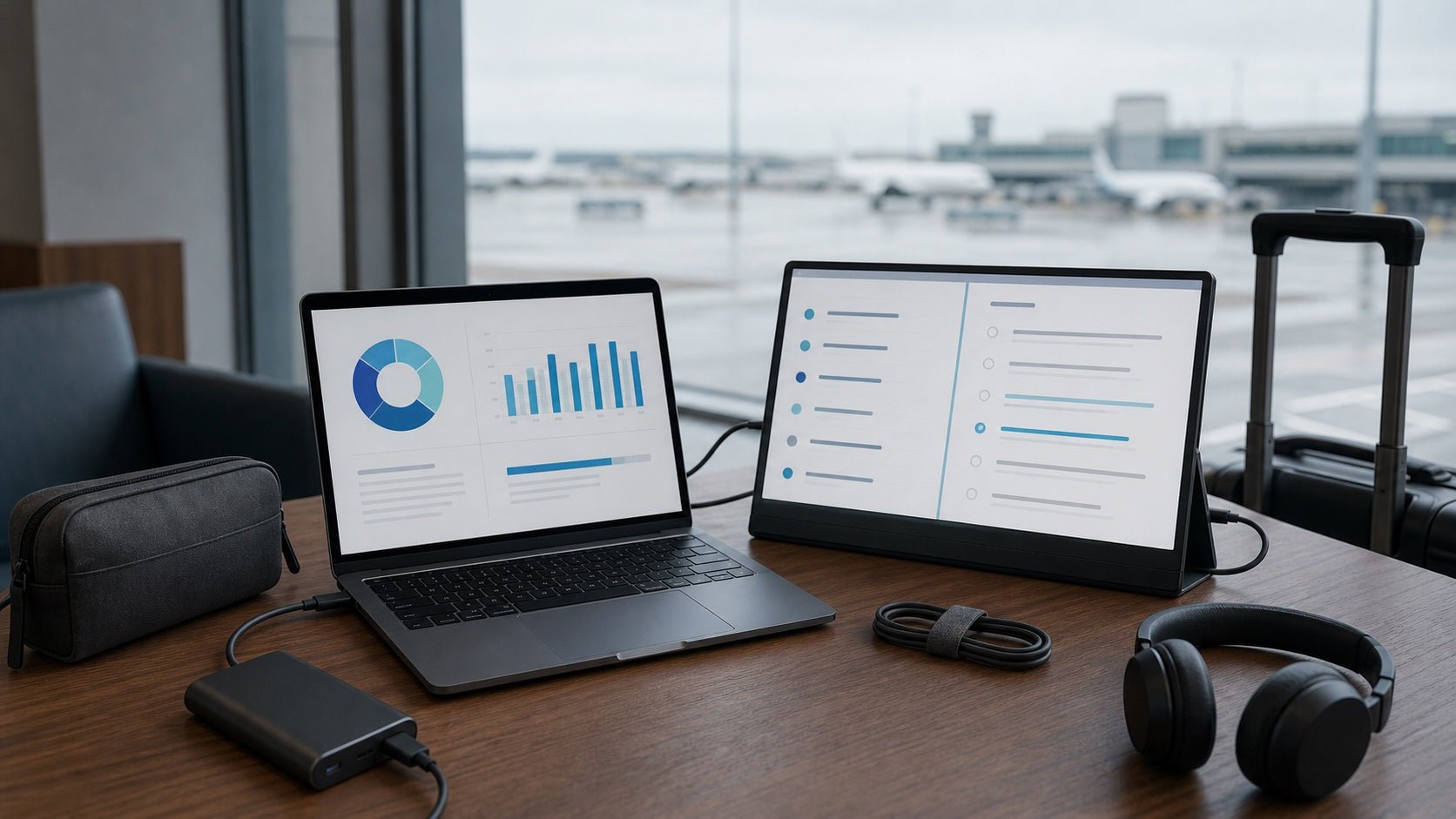
For laptop users, USB-C can make a portable setup easier by reducing the number of cables needed for display, charging, and accessories. A cleaner setup is especially useful when working from small desks, hotel rooms, coworking spaces, or shared work areas.
A practical mobile workstation may include:
- A laptop
- A portable second screen
- A compact USB-C charger
- A reliable USB-C cable
- A slim stand or case
- A small hub or adapter if extra ports are needed
The goal is to create a setup that is easy to carry, quick to connect, and simple to pack away. For users who move often, this can be more valuable than having the largest possible display.
Portable Second Screen vs Desktop Monitor: Which Offers Better Value?
Value depends on how often you use the screen and where you use it.
A desktop monitor may offer better value if you work at the same desk every day. You get a larger display, stronger comfort, and a more permanent workstation.
A portable second screen may offer better value if you work in multiple places. Instead of being useful only at one desk, it travels with you and supports a more consistent laptop workflow.
Here is a simple way to decide:
| Choose This | If You Care Most About |
|---|---|
| Portable Second Screen | Travel, flexibility, small desks, laptop productivity |
| Desktop Monitor | Screen size, comfort, permanent desk setup, long sessions |
| Both | Home office comfort plus mobile productivity |
For many hybrid workers, the best setup is not either-or. A desktop monitor can support focused work at home, while a portable second screen can keep you productive when you leave the desk.
Final Recommendation
When comparing a portable second screen vs desktop monitor, there is no single winner for everyone. The better choice depends on your workspace, work style, and daily routine.
Choose a portable second screen if you work from different places, travel often, use a laptop as your main device, or want a lightweight way to create a dual-screen setup anywhere. It is a strong option for remote workers, students, business travelers, and hybrid professionals.
Choose a desktop monitor if you have a fixed workspace and want a larger, more ergonomic screen for long work sessions. It is the stronger option for home offices, design work, coding, spreadsheets, and other tasks that benefit from a bigger display.
In simple terms:
A portable second screen gives you flexibility.
A desktop monitor gives you comfort.
The best setup is the one that matches how you actually work.
FAQ
Is a portable second screen better than a desktop monitor?
A portable second screen is better for travel, hybrid work, small desks, and flexible laptop setups. A desktop monitor is better for a fixed desk, larger screen space, and long work sessions.
Can a portable second screen replace a desktop monitor?
A portable second screen can replace a desktop monitor for many mobile workers, students, and everyday laptop users. However, people who need a large display for design, coding, spreadsheets, or long desk sessions may still prefer a desktop monitor.
Is a desktop monitor better for productivity?
A desktop monitor can be better for productivity at a fixed workstation because it usually offers more screen space and stronger ergonomic options. A portable second screen can be more productive for people who work from different locations.
Is a portable second screen good for remote work?
Yes. A portable second screen is useful for remote work because it gives laptop users more space for calls, documents, notes, calendars, and browser tabs without requiring a permanent desk setup.
Which is better for travel, a portable monitor or desktop monitor?
A portable monitor is much better for travel. It is designed to be lightweight, easy to pack, and simple to connect to a laptop. A desktop monitor is not practical for frequent movement.
Is a portable second screen worth it for laptop users?
Yes, especially if you often feel limited by your laptop screen. A portable second screen can make multitasking easier, improve organization, and create a more flexible dual-screen setup.
Is a portable second screen good for students?
Yes. Students can use a portable second screen for online lectures, research, note-taking, assignments, and comparing study materials side by side. It is also easier to fit into a dorm room or small desk setup than a desktop monitor.
Should I get a portable second screen or a desktop monitor for my home office?
Choose a desktop monitor if your home office is your main workspace and you want a larger, more comfortable display. Choose a portable second screen if your home office is small or if you also want to use the screen while traveling or working elsewhere.

Leave a comment
This site is protected by hCaptcha and the hCaptcha Privacy Policy and Terms of Service apply.