


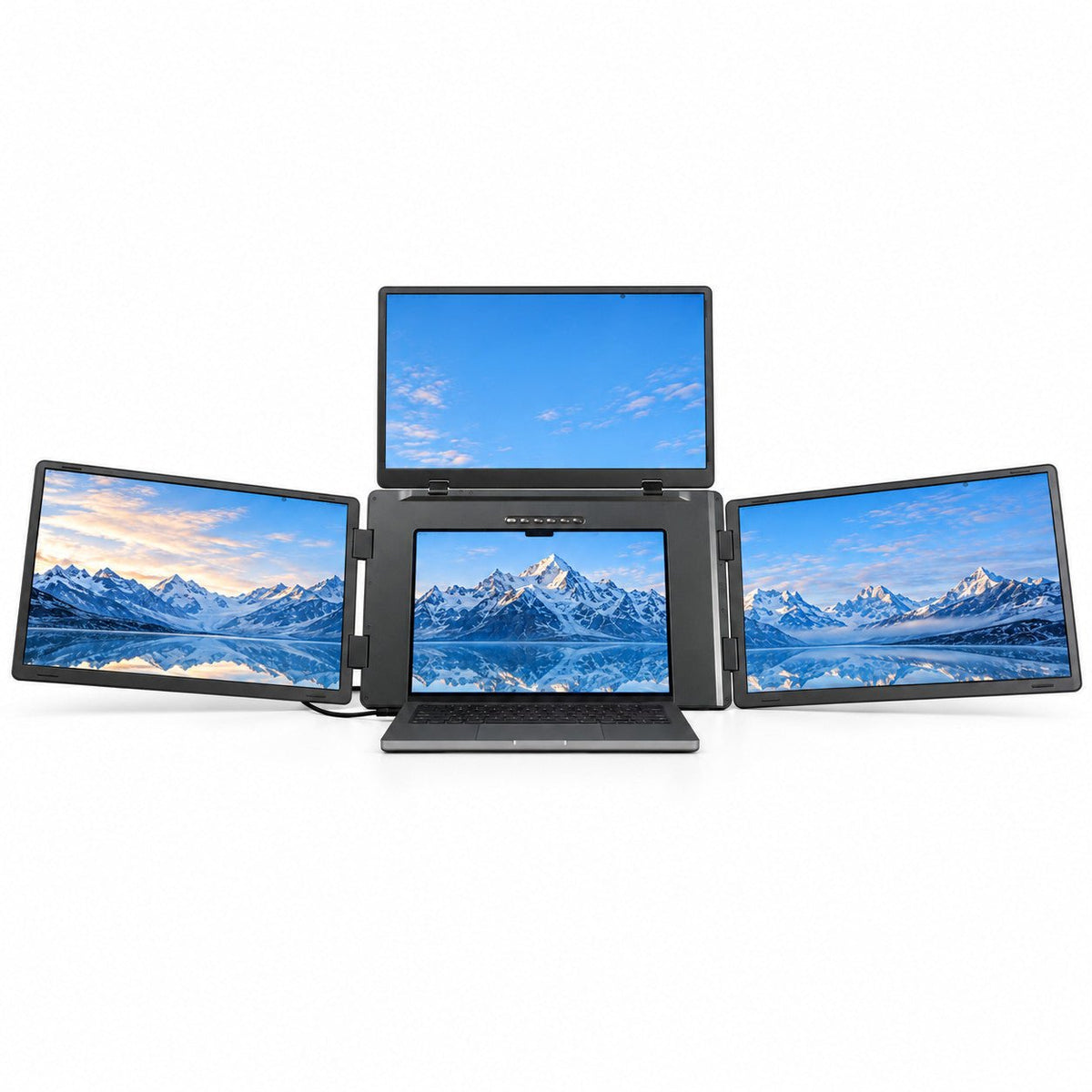

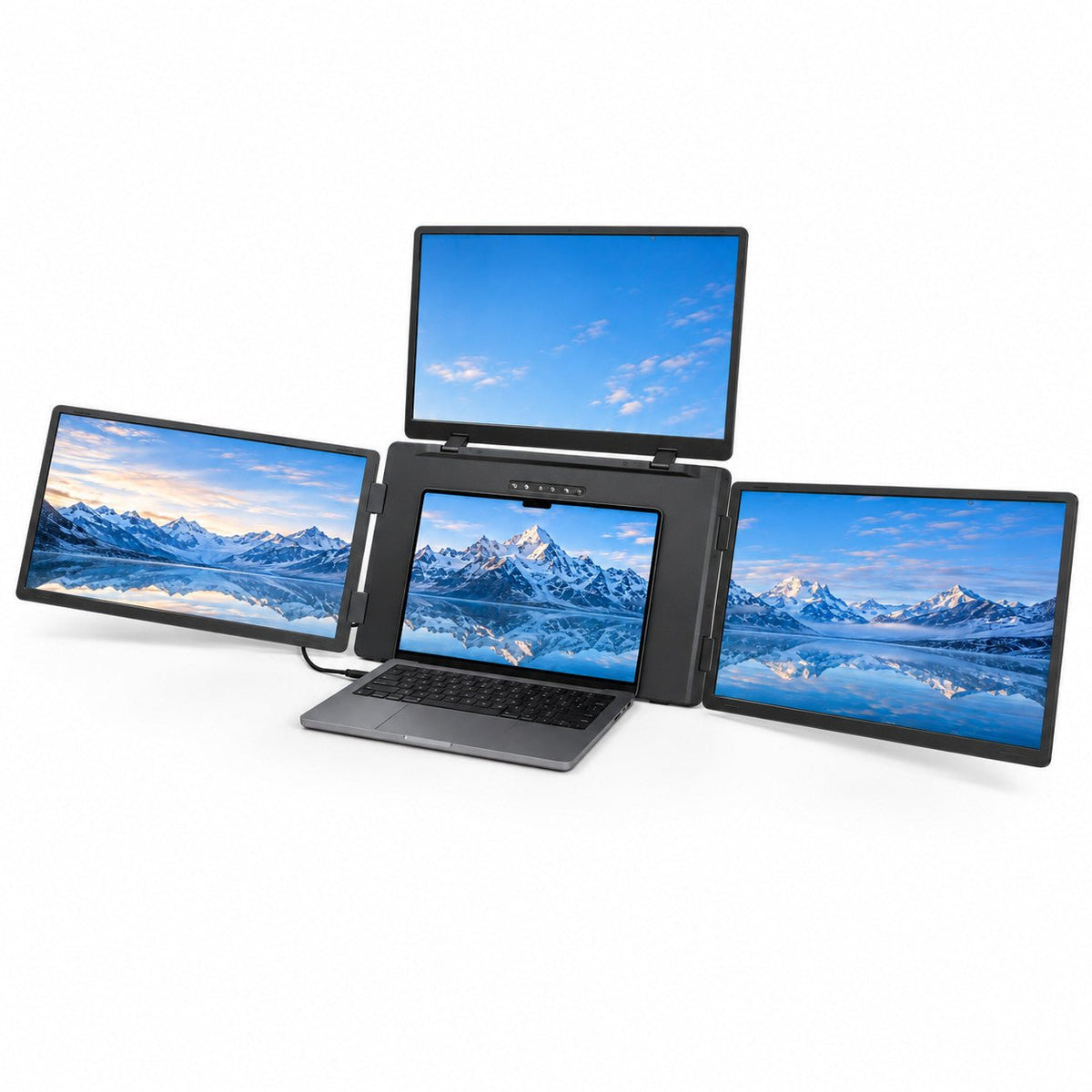
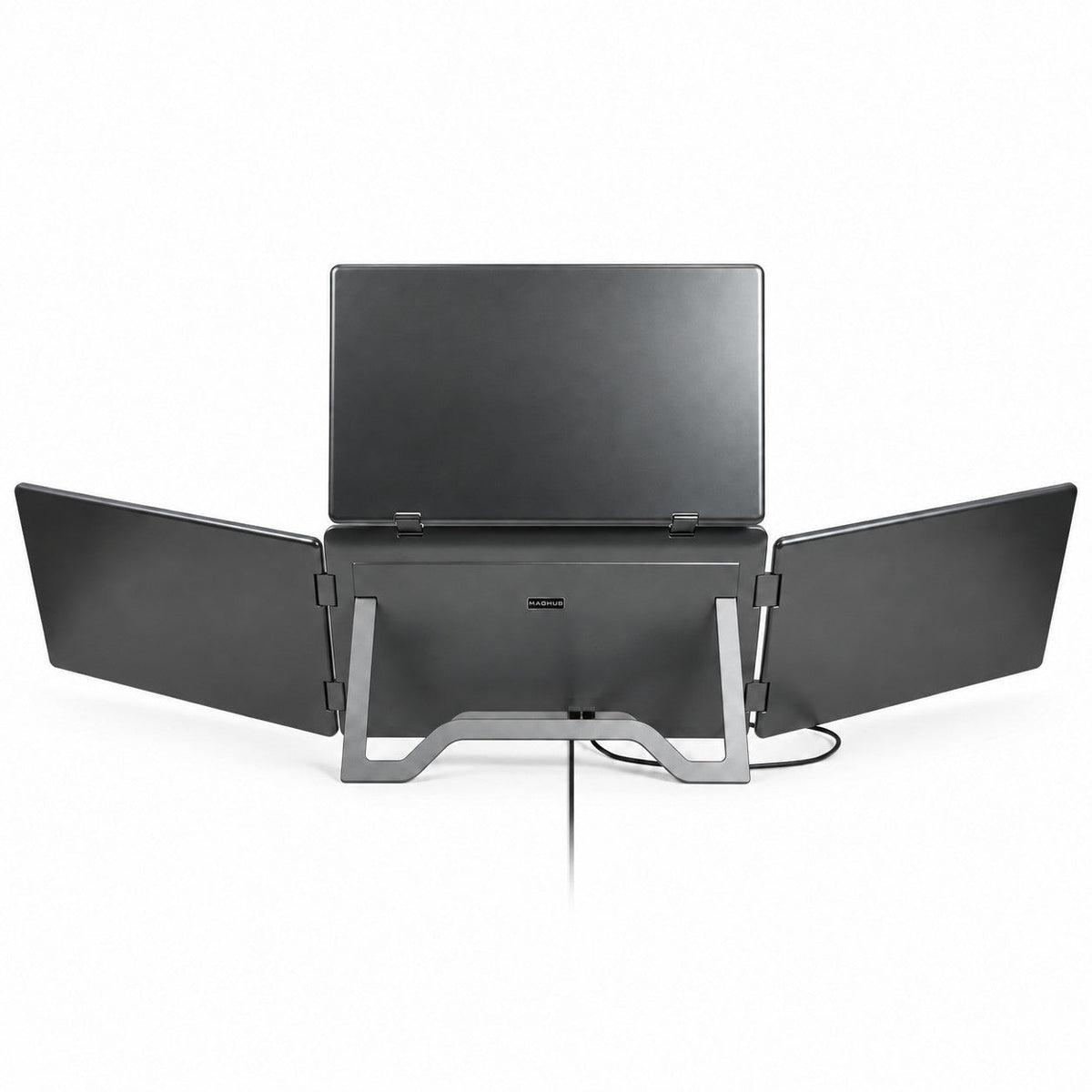
MagHub Quad Max 18.5" Portable Screen Extender
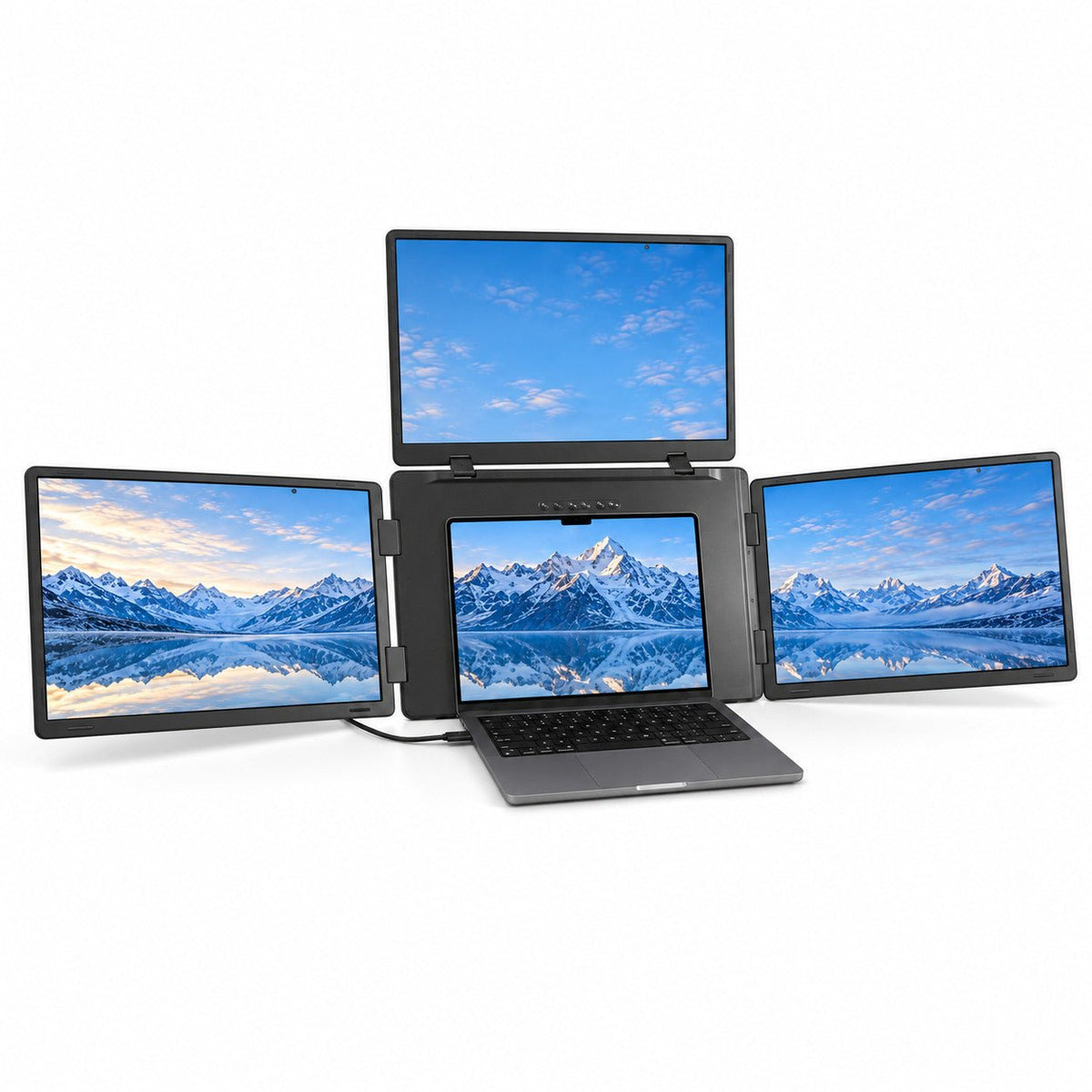
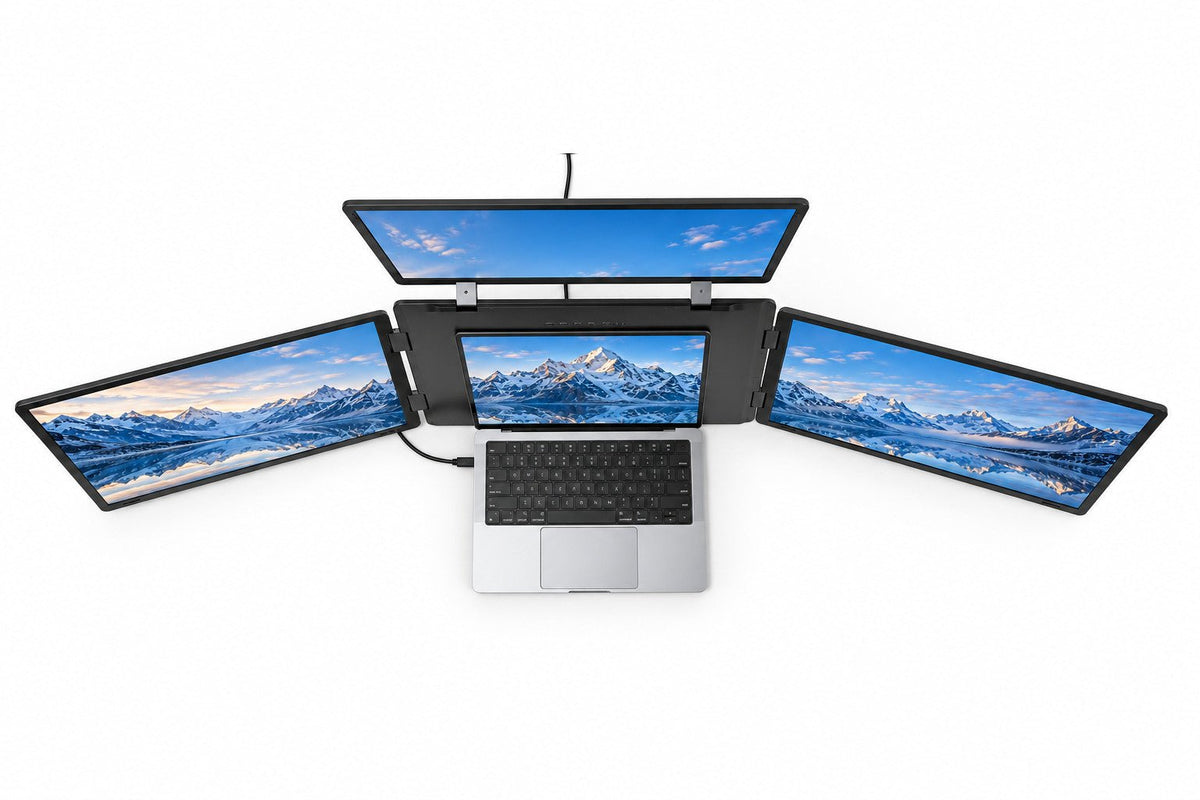
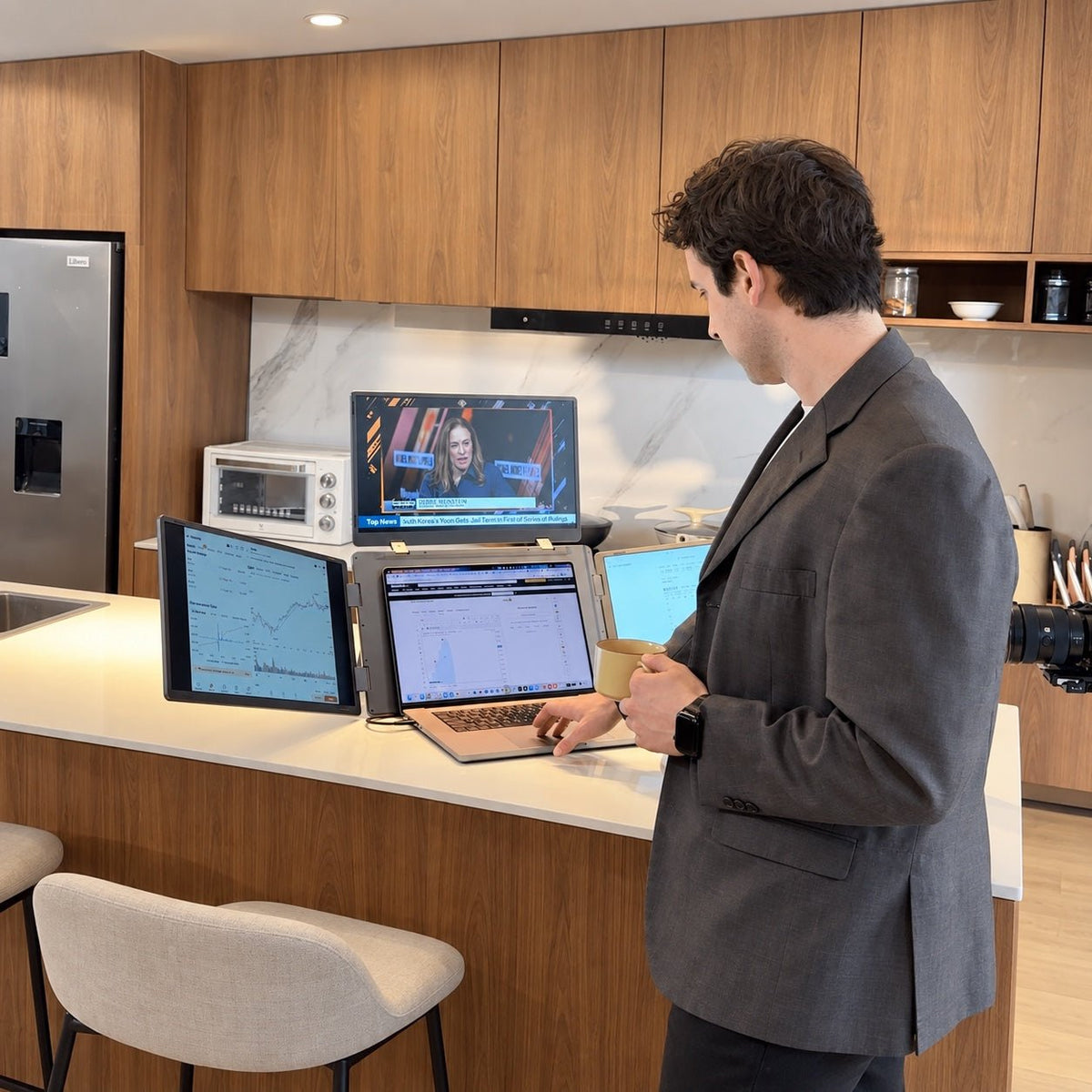
Four-Screen Workspace: Add three external displays to your laptop and keep more of your work in view.
Triple 18.5″ Full HD IPS Displays: View charts, documents, and timelines across three expansive 1920 × 1080 screens.
Keep Your Workflow Together: Work on your main task while references, tools, and calls stay visible alongside it.
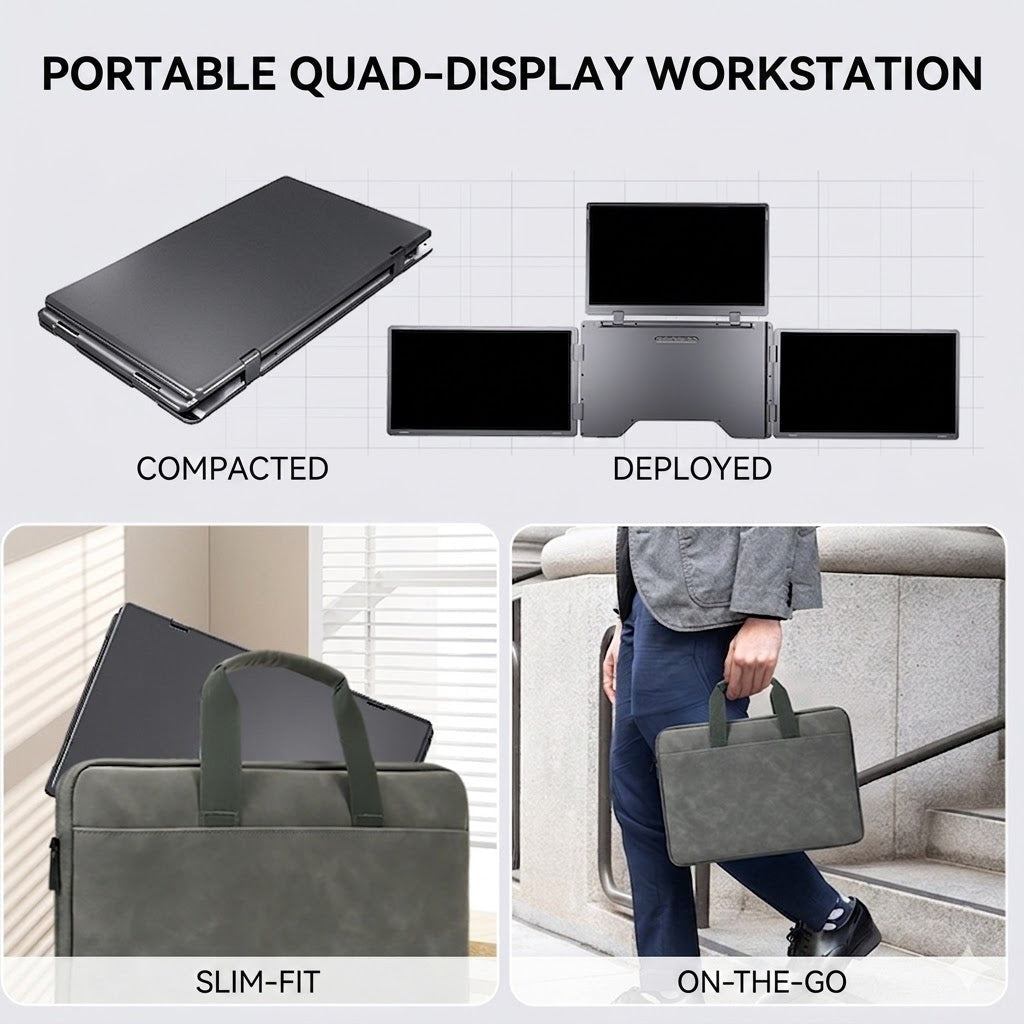
Foldable Workspace: Fold the displays together for carrying between home, office, and client sites.
Mac & Windows Compatibility: Supports compatible laptops with the required display driver and external power connection.

67W GaN Charger Kit
GaNHub 67W Charger + UK / EU / AU Travel Adapters
Packed with every Quad Max. No code or selection required.
 Display
 Display
- Screen Size: 3x 18.5 inches
- Panel Type: IPS (W-LED Backlight)
- Resolution: 1920 × 1080 (Full HD)
- Aspect Ratio: 16:9
- Maximum Brightness: 250 nits
- Contrast Ratio: 1000:1
- Color Gamut: NTSC 72%
- Refresh Rate: 60Hz
Visual Angle: 178° (H: 89° / V: 89°)
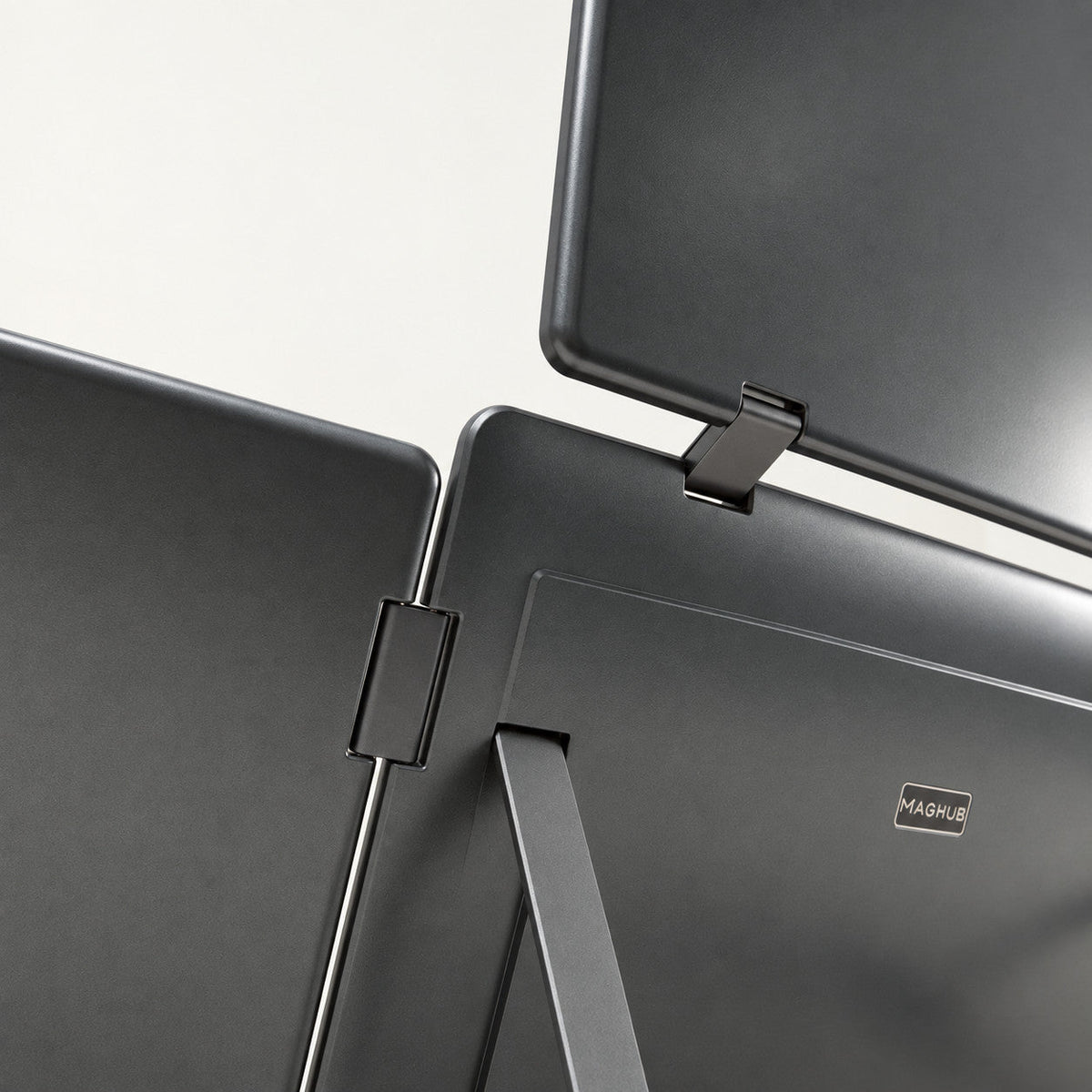
Rotation Angles: Left/Right Screens (0°- 360°), Top Screen (0°- 180°)
Auto-Sensing Mode: Yes (Top screen automatically rotates content when flipped down)
All technical specifications can be found at the bottom of the page
 Connectivity & Compatibility
 Connectivity & Compatibility
To power up your multi-screen workspace, a brief driver installation is required. This fast, secure process takes just a few minutes and ensures optimal performance and seamless integration across all extended displays.
Hardware & Power:
- Dual USB-C Ports: Connects seamlessly with just a single USB-C cable to your laptop.
- Power Delivery: Requires external power (45W PD input). Includes an INVZI 67W GaN charger with AU, UK and EU travel adapters. Connect external power and follow the setup guide.
OS & Processor Compatibility:
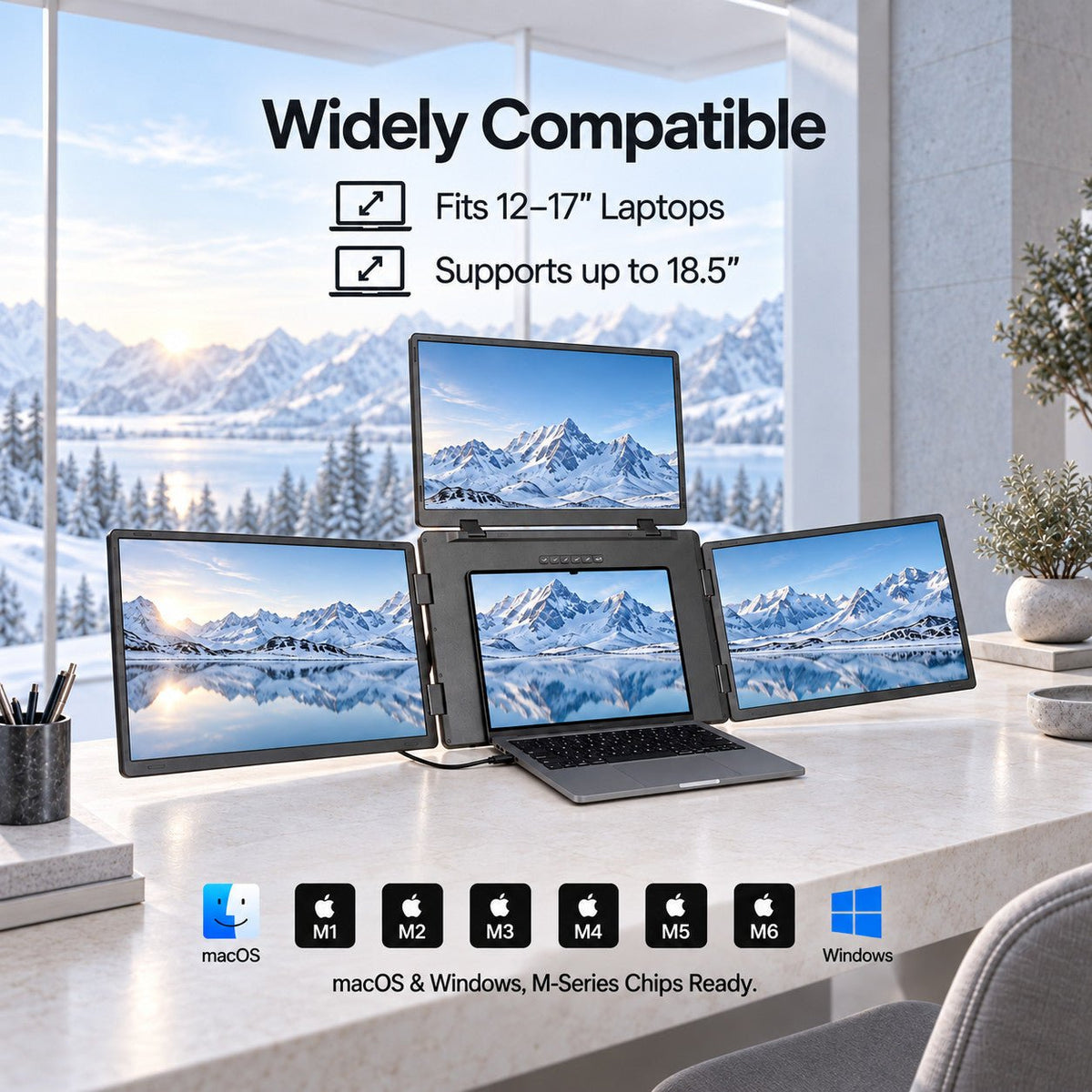
- macOS: Full support across Intel processors, M1, M2, M3, M4, M5 series, and later.
- Windows: Fully compatible with Windows 10, 11, and above.
 Product Resources & Downloads
 Product Resources & Downloads
Access everything you need to optimize your workflow. Get detailed guidance on setup, daily operation, and maintenance for the MagHub Quad Max 18.5".
User Guides
Required Driver Setup
To fully activate your extended displays, please install the latest software before first-use:
- macOS: [Download Driver]
- Windows: [Download Driver]
Support & Policies
Customer Support
Have questions? The INVZI support team is here to help with product setup, compatibility, orders, returns, and warranty support.
Live chat is available Monday–Friday, 9:00 AM–5:00 PM PST.
For other inquiries, contact us through our website or email support@invzi.com.
Shipping Information
INVZI currently ships primarily to North America and Europe. Availability for other destinations will be shown at checkout.
Orders over US$100 qualify for free standard shipping, excluding remote areas. Additional shipping charges may apply to remote destinations and will be shown at checkout or confirmed with you before dispatch.
Estimated delivery from the date of order is typically:
- North America, local warehouse: 3–5 days
- North America, Hong Kong warehouse: 7–14 days
- Europe, Hong Kong warehouse: 7–10 days
Shipping origin depends on product availability and your delivery address. Delivery times are estimates and may be affected by remote destinations, customs clearance, public holidays, or carrier disruptions.
International duties, taxes, and customs clearance fees may apply unless otherwise stated on the product page or at checkout.
View full Shipping PolicyTrack Your Order
Once your order ships, we’ll send a shipping confirmation email with your tracking details and a link to track your shipment.
Please allow up to 48 hours after shipment for tracking information to appear.
If your order has not arrived within the estimated delivery window, contact support@invzi.com with your order number so our team can investigate.
Returns & Refunds
Products purchased directly from invzi.com may be returned within 14 calendar days after delivery.
Opening a product for reasonable inspection, setup, or testing does not automatically make it ineligible for return. Returned products must be complete, free from customer-caused damage, and include the original packaging and included accessories.
For approved non-defective display returns, a $49 return shipping and handling deduction applies. We will disclose the applicable deduction before issuing a return label.
Separately purchased accessories may also be returned within 14 days. The $49 display-product deduction does not apply, but the customer is responsible for actual return shipping unless the return is due to an INVZI error or product defect.
Products purchased through an authorized third-party retailer are subject to that retailer’s return policy.
Please contact support@invzi.com or submit a return request through your INVZI account before sending any product back. Return locations vary by product and region.
View full Returns & Refunds PolicyWarranty
INVZI products are covered by a one-year limited warranty against manufacturing defects.
For confirmed warranty claims, we may provide troubleshooting, repair, replacement, or a refund depending on the issue, product availability, and applicable law. The $49 non-defective return deduction does not apply to confirmed warranty claims.
Meet the **18.5" Portable** Triple Screen.
INVZI MagHub Display
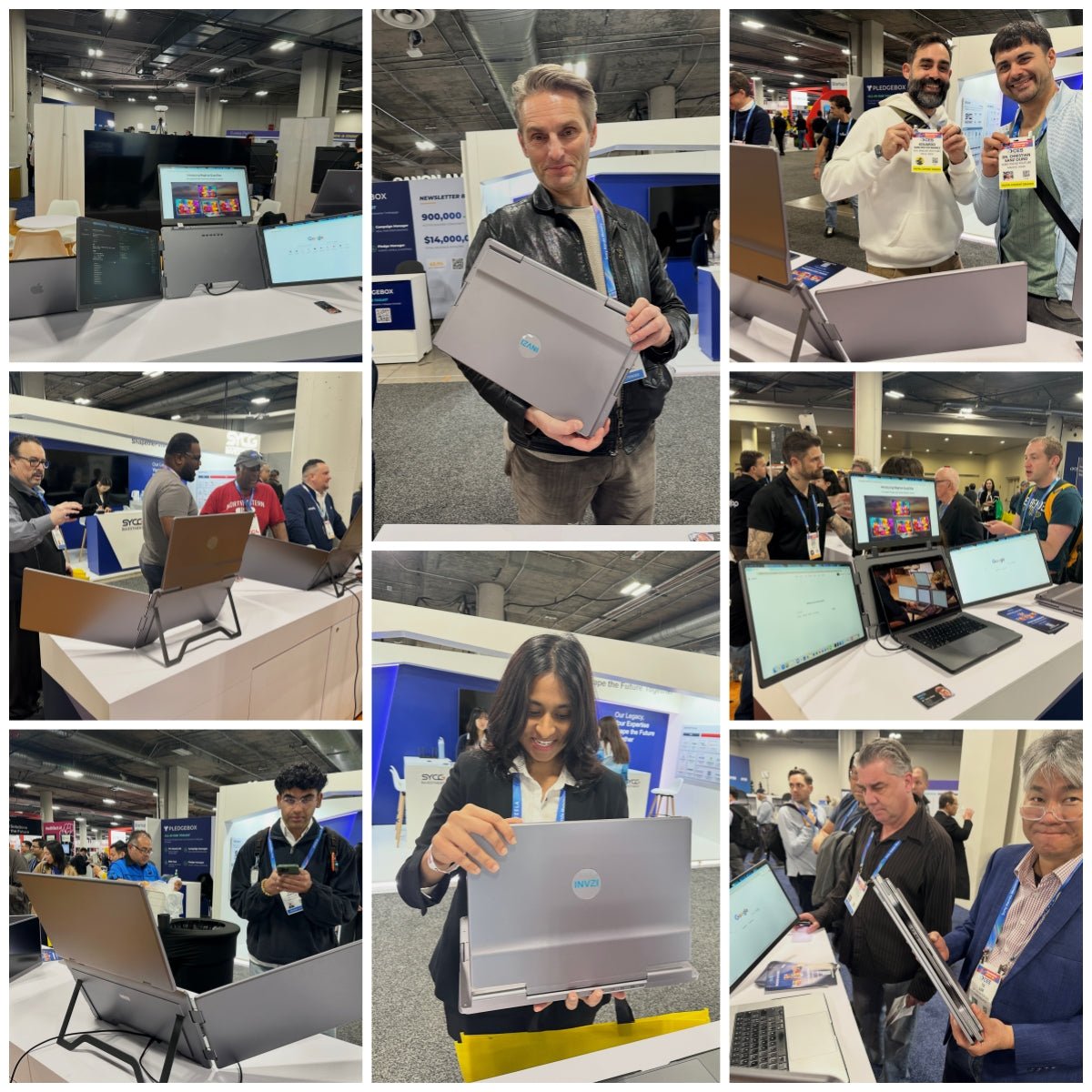
Showcased at CES 2026
MagHub Quad Max was showcased at CES 2026 in Las Vegas, where it attracted strong interest from media, creators, and industry professionals. Many attendees were drawn to its 18.5″ triple-screen foldable design, highlighting the demand for larger, more immersive portable workspaces. The feedback we received reinforced our belief that MagHub Quad Max delivers a new standard for portable productivity.

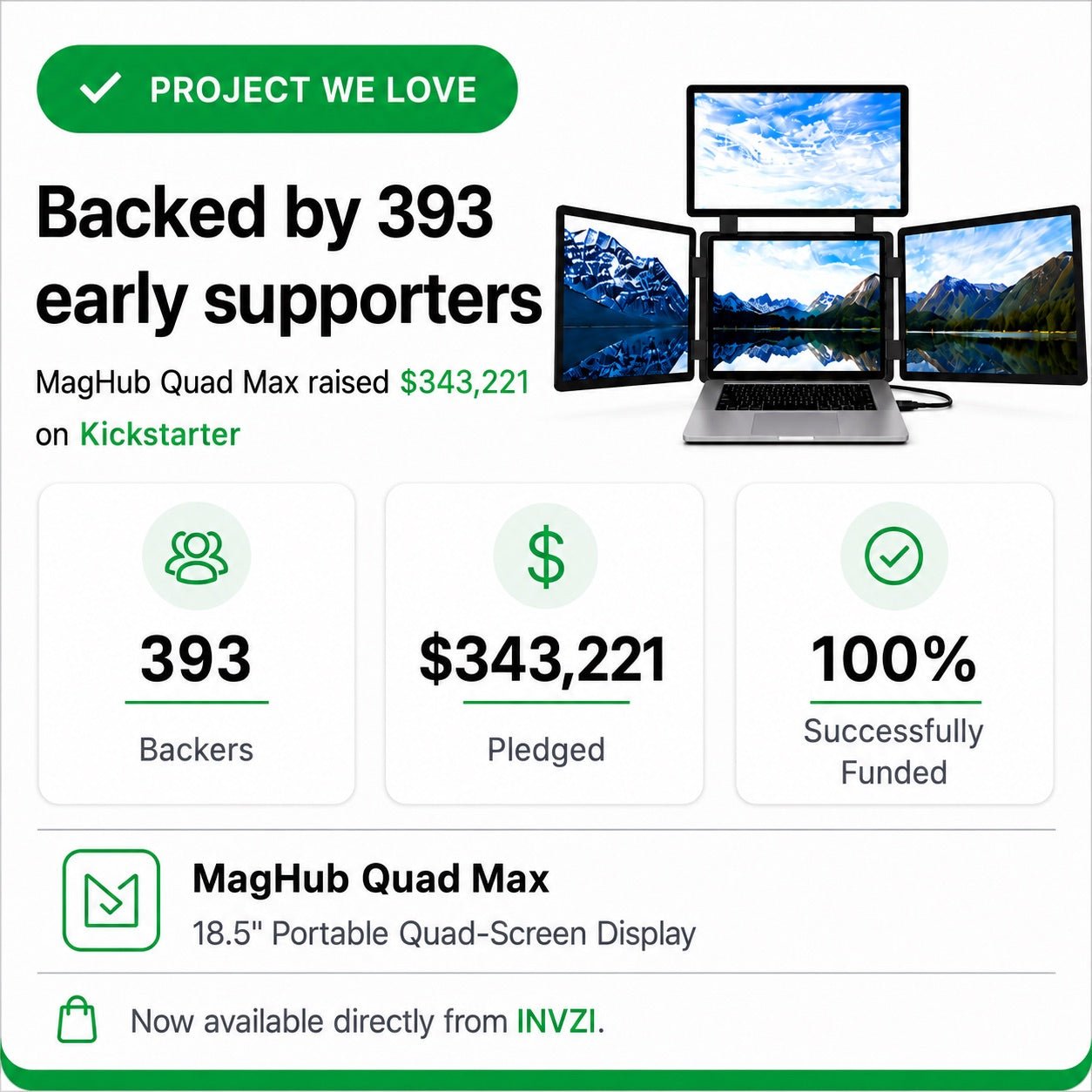
Backed by 393 early supporters on Kickstarter

Because serious work needs more than one small screen.
MagHub Quad Max turns your laptop into a larger, more capable workstation, giving you the space to compare, monitor, present, and create without constantly switching windows.

18.5" Larger Workspace
Each display gives you more room than typical portable extenders, making charts, timelines, documents, and dashboards easier to read.
Four-Screen Productivity
Add three external displays to your laptop and keep your key workflows visible at the same time.
Built for Mobile Setups
Fold it down, pack it up, and bring a full multi-screen workstation to offices, hotels, client sites, or temporary workspaces.
Designed for Focused Workflows
Ideal for finance, development, content creation, meetings, and anyone who needs reference, communication, and main work views open together.

18.5" DISPLAY ADVANTAGE
More room for real work.
Each 18.5" Full HD display gives you more room to read, compare, monitor, and create than smaller portable extenders, so your workspace feels less cramped and more capable.
Screen size comparison
Compact
Standard
MagHub Quad Max

**Brilliant visuals** across every screen.
Advanced Display Technology
Experience crisp detail, vibrant color, and flexible viewing across three 18.5-inch IPS displays built for serious multitasking.


Designed for Real Workflows

Integrated Adjustable Stand
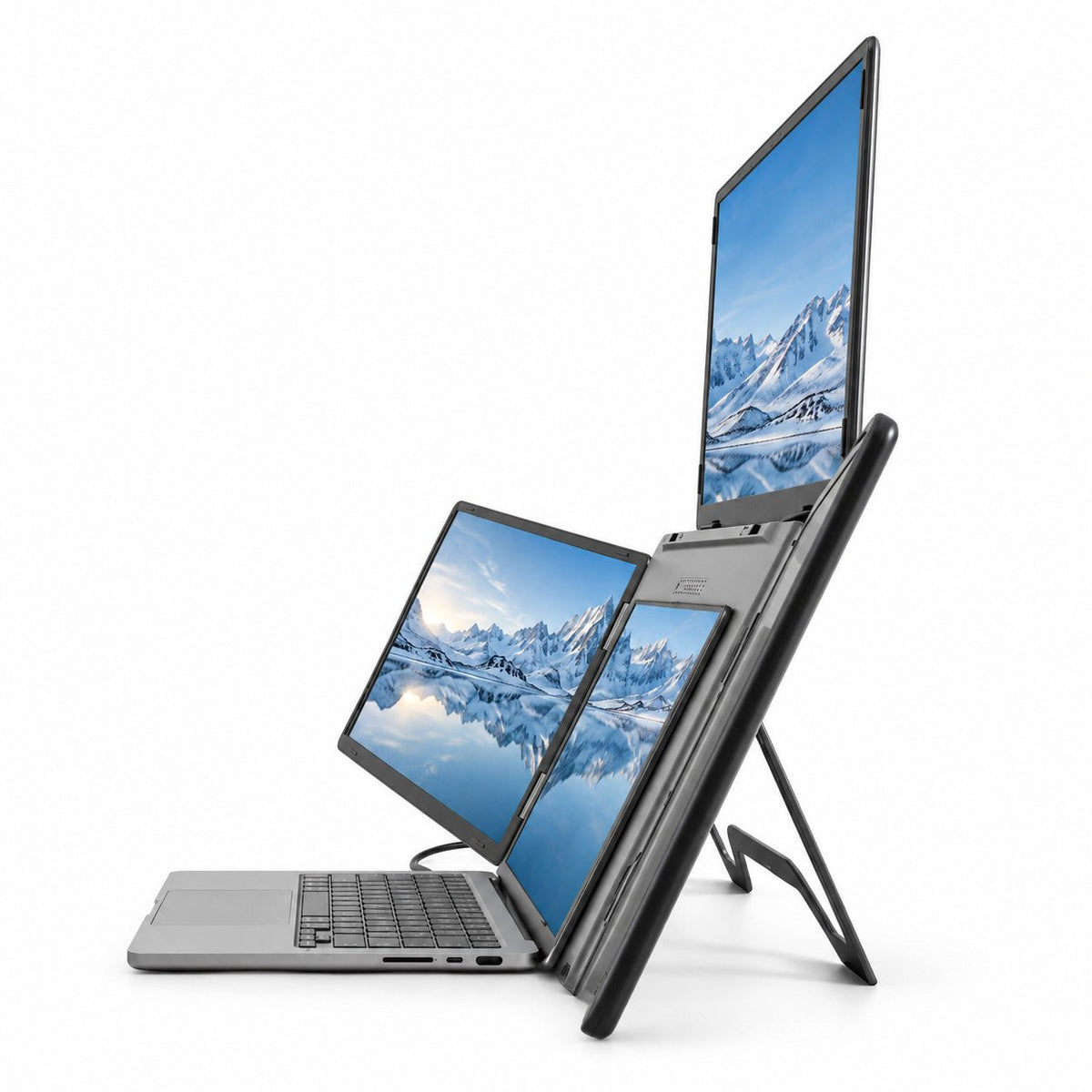
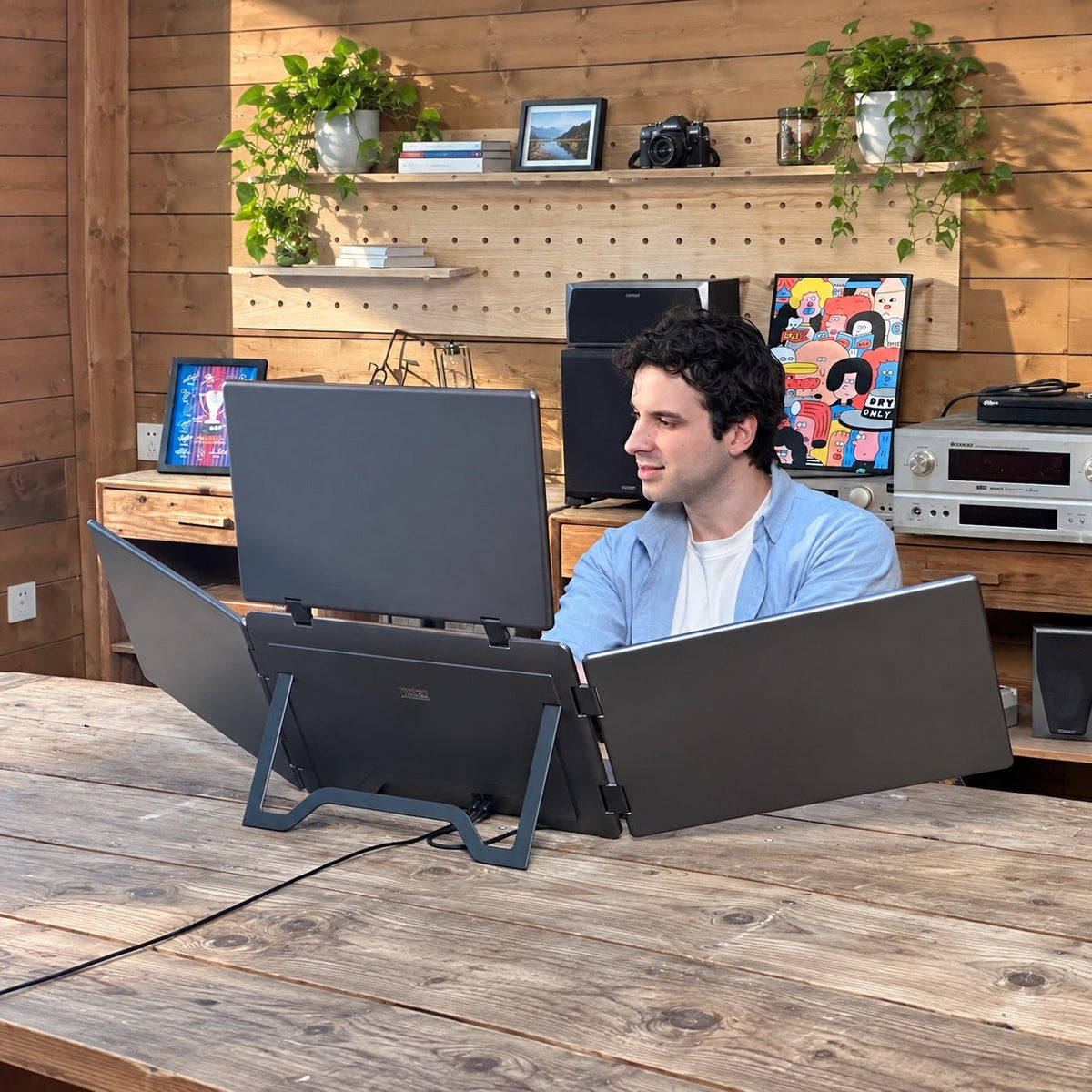
Open the built-in stand and create a stable quad-screen setup on almost any desk.

Independent Screen Adjustment
Adjust the side and top screens to match your viewing angle, workflow, or collaboration needs.

Fold-Flat Portability
Fold the full setup flat and carry it between home, office, hotel, and client site.

USB-C Connection
Connect to your laptop through USB-C for a cleaner desk and faster setup.
See your entire workflow at once.

Finance & Trading

Development

Content Creation

Meetings & Presentations
Technical Specifications
 Highlights

Product Type: Portable quad-screen laptop workstation
Display Setup: 1 laptop screen + 3 external displays
Screen Size: 18.5 inches
Resolution: 1920 × 1080 Full HD
Panel Type: IPS
Aspect Ratio: 16:9
Color: Dark Gray
Best For: Trading, coding, content creation, meetings, and mobile workstations
 Product Information

Product Name: INVZI MagHub Quad Max
Screen Configuration: Triple external display extender for laptop
Body Color: Dark Gray
Use Case: Turns one laptop into a four-screen workstation
Design: Foldable, portable multi-screen expansion system
Response Time: 25ms
 Display

Screen Size: 18.5 inches
Resolution: 1920 × 1080 Full HD
Panel Type: IPS
Aspect Ratio: 16:9
Display Quantity: 3 external displays
Viewing Angle: Wide-view IPS display
Display Layout: Left screen + top screen + right screen
Visual Angle: 178° (H: 89° / V: 89°)
Rotation Angles: Left/Right Screens (0°- 360°), Top Screen (0°- 180°)
Auto-Sensing Mode: Yes (Top screen automatically rotates content when flipped down)
 Connectivity & Power

Connection: Included cable setup
Power: External power required for full multi-screen use
Setup: Guided setup with quick-start instructions
Cable Management: Designed for a cleaner multi-screen desktop setup
 Compatible Operating System

Operating Systems: macOS & Windows
macOS Versions: macOS (2019 and later)
Apple Processors: Fully supports M1, M2, M3,M4,M5chips
[Download macOS Driver]
Windows Versions: Windows 10, Windows 11 (Note: XP, 7, and 8 are not supported)
[Download Windows Driver]
Software Requirement: Yes. Driver installation required via included USB Flash Drive or download.
[Download User Guide]
 OSD Menu & Audio

Physical Controls: 6 dedicated buttons
OSD Features: Independent Brightness control (+ / -) for Left, Right, and Top screens
Audio / Speakers: No built-in speakers

More Room for the Work That Matters
Three 18.5-inch Full HD IPS displays turn your laptop into a four-screen workspace for focused work and multitasking.
Keep Your Entire Workflow in View
Keep your main task on your laptop while charts, documents, calls and reference material stay open on three additional displays. Arrange each screen around your workflow and spend less time switching between windows.
A Workspace That Folds with You
Move your setup between home, the office and client sites. The three displays fold together for storage and transport, so you can bring your multi-screen workspace to your next desk.
Space for Charts, Code and Creative Work
View market dashboards alongside research, keep code beside documentation, or spread editing tools and timelines across your screens. Three 18.5-inch Full HD IPS displays give each part of your work its own space.
MAGHUB QUAD MAX FAQ
Questions before you set up
Clear answers about your four-screen workspace.
What is MagHub Quad Max?
MagHub Quad Max adds three 18.5-inch Full HD IPS displays to your laptop: one on the left, one above and one on the right. Together with your laptop screen, they create a four-screen workspace.
Can each screen show a different application?
Yes. With the required driver installed, the three external displays can extend your desktop. Keep charts, documents, code or meeting windows on separate screens, and arrange the displays in your operating system settings.
Do I need to install a driver?
Yes. Driver installation is required for the full four-screen setup. Follow the product setup guide before first use. If your laptop is managed by your employer, check that you have permission to install the driver.
Does it need external power, even with one USB-C laptop connection?
Yes. MagHub Quad Max requires external power and is specified for 45W USB-C PD input. Use the included INVZI 67W GaN charger and follow the setup guide. The USB-C connection to your laptop does not replace the external power connection. Driver installation is also required for the full four-screen setup.
Which charger and travel adapters are included?
Your package includes an INVZI 67W GaN charger and AU, UK and EU travel adapters. This INVZI charger replaces the manufacturer’s original 45W adapter; you receive one charger, not two. The display is specified for 45W PD input, while 67W is the included charger’s maximum rated output.
Does MagHub Quad Max work with Mac and Windows?
MagHub Quad Max supports macOS (2019 and later), including Intel and Apple M-series systems, and Windows 10 and Windows 11. Driver installation is required. Use the included cable setup and follow the instructions for your operating system.
Can I fold it for carrying between workspaces?
Yes. The three displays fold together for storage and transport. Disconnect the cables before packing, and plan for a stable desk surface and external power at your destination.
Does MagHub Quad Max have built-in speakers?
No. MagHub Quad Max has no built-in speakers. Use your laptop speakers, headphones or an external audio device for calls and media.
What kind of work is it suited to?
MagHub Quad Max is suited to workflows that benefit from several visible windows, including trading, coding, content creation and meetings. Use separate screens for your main task, references, dashboards or communication.