


Introduction
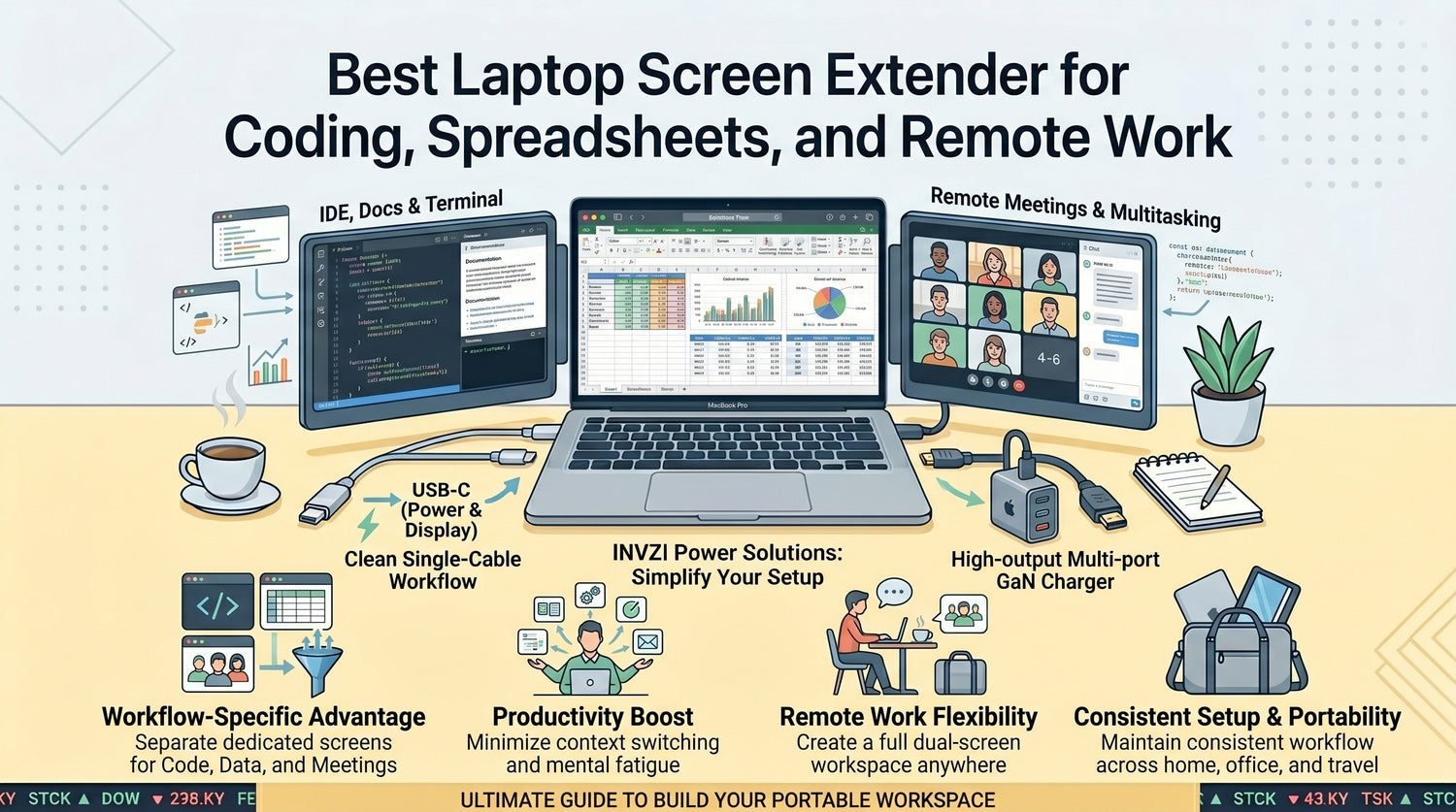
Working on a single laptop screen often means constant tab switching, slower workflows, and broken focus—especially when you're coding, managing spreadsheets, or handling remote meetings.
Over time, these small inefficiencies add up.
A laptop screen extender solves this by instantly expanding your workspace, allowing you to run multiple applications side by side. The result is a smoother workflow, better focus, and more productive work sessions—whether you're at home, in the office, or on the move.
Why Screen Space Matters for Work
Limited screen space isn’t just inconvenient—it directly affects how efficiently you work.
For example:
- Developers switch between code, documentation, and terminal windows
- Analysts compare multiple spreadsheets and dashboards
- Remote workers juggle meetings, notes, and communication tools
Without enough screen space:
- You lose time switching between windows
- You break concentration during complex tasks
- You increase mental fatigue throughout the day
With an extended display setup, you can see everything you need at once, reducing friction and improving focus.
What Is a Laptop Screen Extender
A laptop screen extender is a portable display that attaches directly to your laptop, creating an instant dual- or triple-screen setup.
It’s designed for professionals who need a multi-screen workflow without a permanent desk setup.
Screen Extender vs Portable Monitor
| Feature | Screen Extender | Portable Monitor |
|---|---|---|
| Setup | Attaches to laptop | Separate device |
| Portability | High | Medium |
| Desk space | Minimal | Requires space |
| Best for | Mobile workflows | Fixed setups |
Best Laptop Screen Extender for Work Productivity
A well-designed laptop screen extender focuses on three things:
- Efficiency (less switching, more visibility)
- Portability (work anywhere)
- Simplicity (fast setup, minimal cables)
This makes it especially useful for professionals who rely on laptops as their primary workstation.
Key Features to Look For
1. Screen Size and Resolution
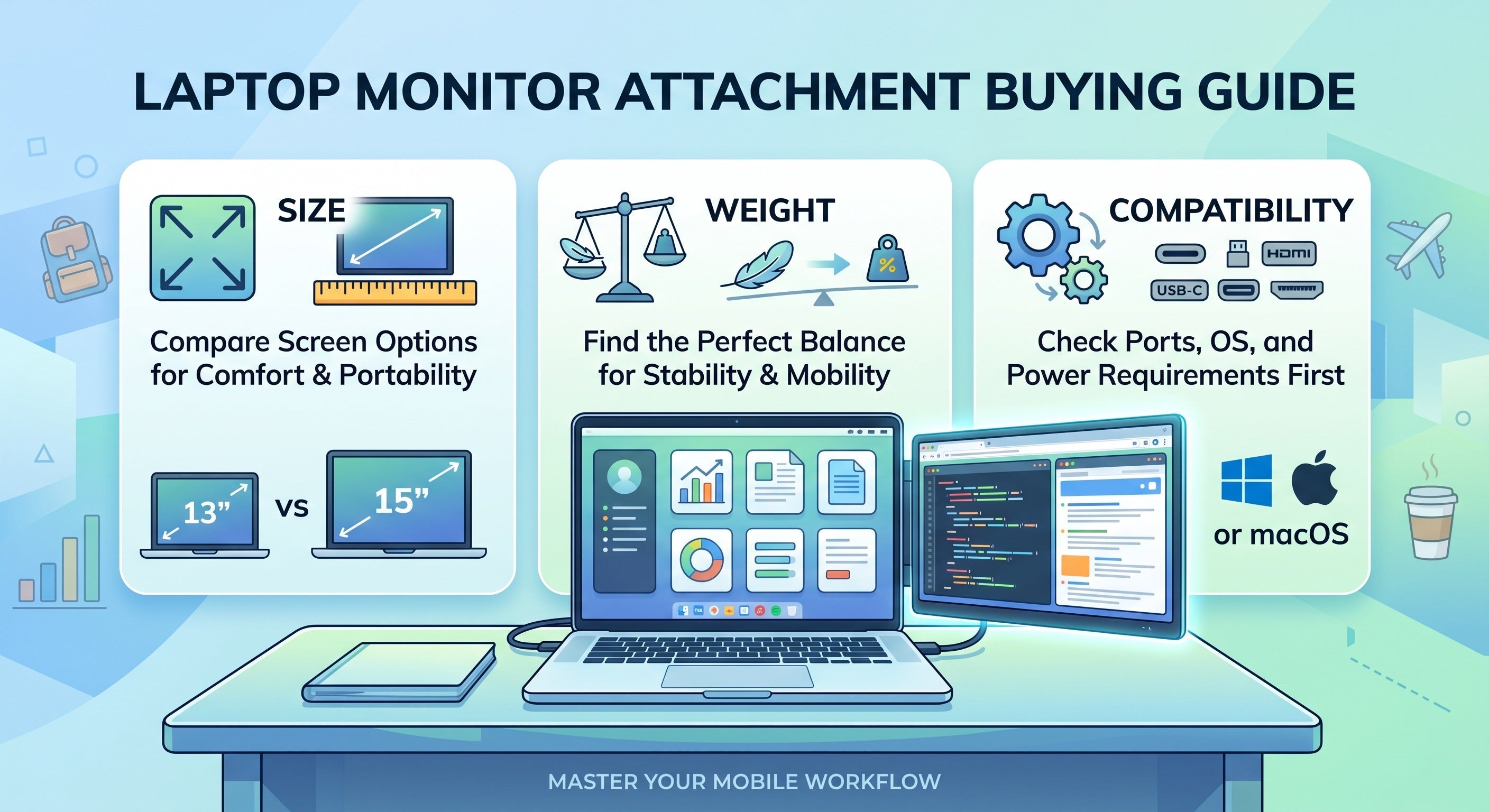
A 13–15 inch Full HD display offers a strong balance between clarity and portability, making it suitable for most workflows.
2. Portability and Build
Lightweight, slim designs are easier to carry and better suited for hybrid or travel work setups.
3. Plug-and-Play Compatibility
USB-C support allows for quick setup with minimal cables, reducing friction in daily use.
4. Adjustable Viewing Angles
Flexible positioning improves ergonomics and reduces strain during long work sessions.
5. Power Efficiency
Models that draw power directly from your laptop help maintain a cleaner, more organized workspace.
Best Use Cases
1. Coding
Keep your IDE on one screen, documentation on another, and terminal tools visible at the same time.
Benefit: Maintain development flow without constant switching.
2. Spreadsheets and Data Analysis
View multiple sheets side by side or monitor dashboards while editing data.
Benefit: Faster comparisons and improved accuracy.
3. Remote Work
Run meetings on one screen while managing notes, tasks, or chat on another.
Benefit: More efficient multitasking during calls.
4. General Multitasking
Keep email, browser, and documents open simultaneously.
Benefit: Reduced context switching and smoother workflow.
Laptop Screen Extender vs Traditional Monitor
Portability
- Screen extender: Designed for mobility
- Monitor: Fixed and not travel-friendly
Setup
- Screen extender: Plug-and-play
- Monitor: Requires cables and desk space
Workspace
- Screen extender: Compact and clean
- Monitor: Larger but less flexible
Which Should You Choose?
- Choose a screen extender if you work across multiple locations
- Choose a monitor if you have a fixed desk setup
How to Choose the Right One
Choose a Screen Extender If:
- You work remotely or travel frequently
- You want a clean, minimal desk setup
- You need fast, simple setup without extra accessories
Consider Compatibility
Make sure the extender supports your device:
- MacBook (USB-C / Thunderbolt)
- Windows laptops
- Multi-display support
Match Your Workflow
- Coding or data-heavy work → dual or triple screen
- General tasks → single extra screen
Recommended Solution
A modern laptop screen extender built with USB-C connectivity and a lightweight design can significantly improve your daily workflow.
With the right setup, you can:
- Create a dual-screen workspace anywhere
- Reduce cable clutter with a simplified connection
- Maintain consistent productivity across home, office, and travel
This makes it a practical solution for professionals who rely on efficient, flexible work environments.
Summary
If you rely on your laptop for serious work, expanding your screen space is one of the most practical upgrades you can make.
A laptop screen extender helps you:
- Work faster with fewer interruptions
- Stay organized across multiple tasks
- Maintain productivity wherever you go
For coding, spreadsheets, and remote work, more screen space isn’t a luxury—it’s a productivity tool.
FAQ
Is a laptop screen extender good for coding?
Yes. It allows you to view code, documentation, and tools simultaneously, improving workflow efficiency.
Can it handle spreadsheets effectively?
Yes. Multiple screens make it easier to compare data and manage large datasets.
Does it work with MacBook and Windows laptops?
Most modern extenders support both via USB-C. Always confirm compatibility before purchase.
Is it better than a portable monitor?
Screen extenders are more compact and convenient for mobile work, while portable monitors are better for fixed setups.
Do laptop screen extenders require external power?
Many models are powered directly through USB-C, reducing the need for extra cables.
Is it suitable for travel and remote work?
Yes. It’s designed specifically for portable, flexible work environments.

Leave a comment
This site is protected by hCaptcha and the hCaptcha Privacy Policy and Terms of Service apply.